
Microsoft Windows 11 marks a major shift in how the Windows operating system looks, feels, and performs. Designed with modern users in mind, Windows 11 focuses on productivity, security, and a cleaner user experience. Whether you’re a student, professional, gamer, or casual PC user, this guide will help you understand what Windows 11 offers and whether it’s right for you.
What Is Microsoft Windows 11?
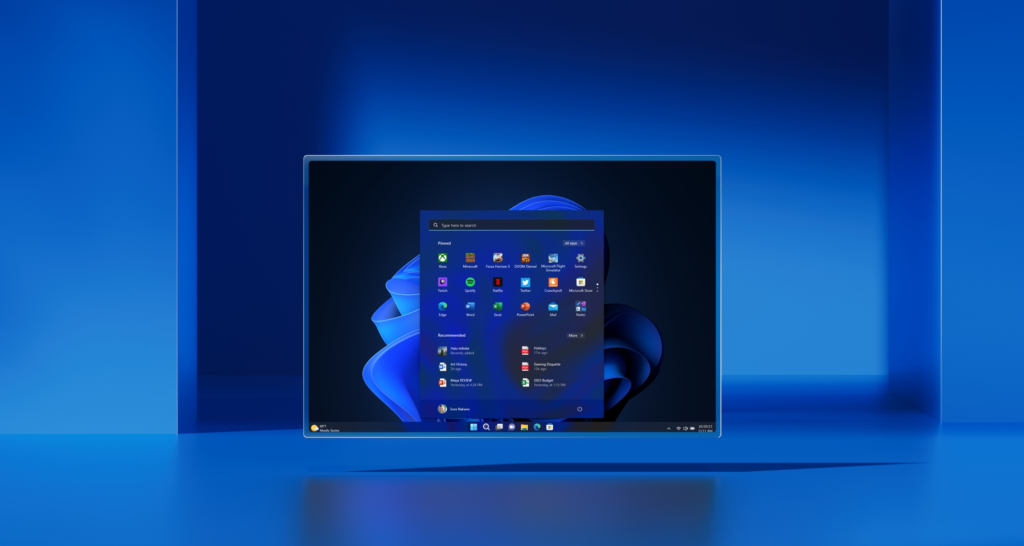
Windows 11 is the latest desktop operating system from Microsoft, officially launched as the successor to Windows 10. It introduces a redesigned interface, improved performance, enhanced security standards, and better support for modern hardware. Microsoft describes Windows 11 as a platform built for the way people work, learn, and connect today.
Key Features of Windows 11
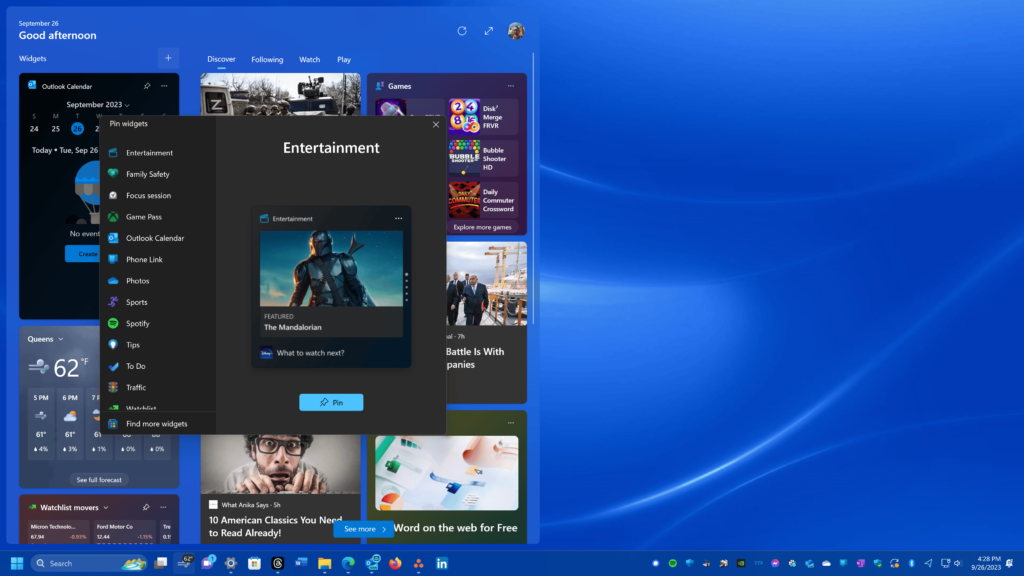
1. New Modern Design
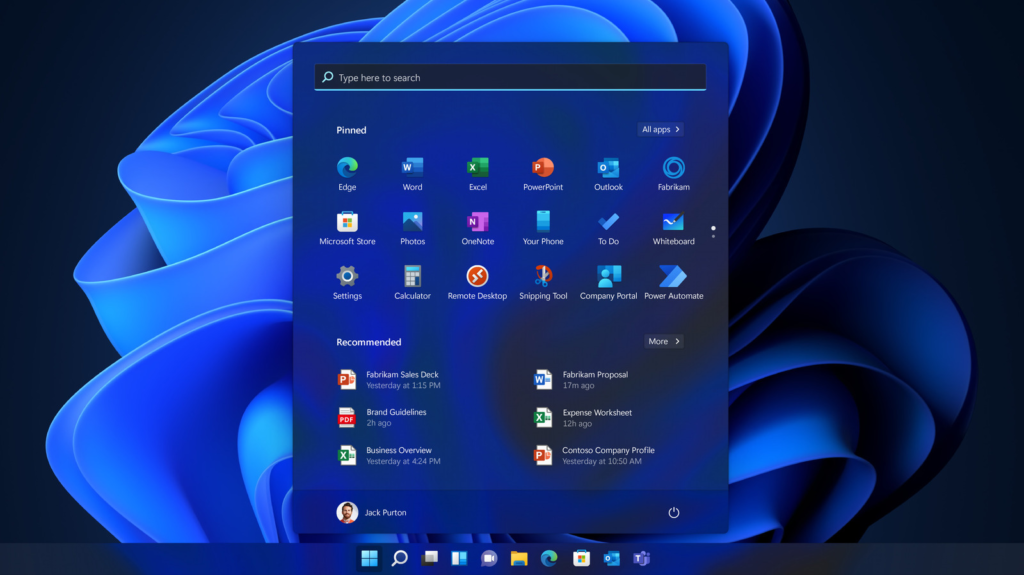
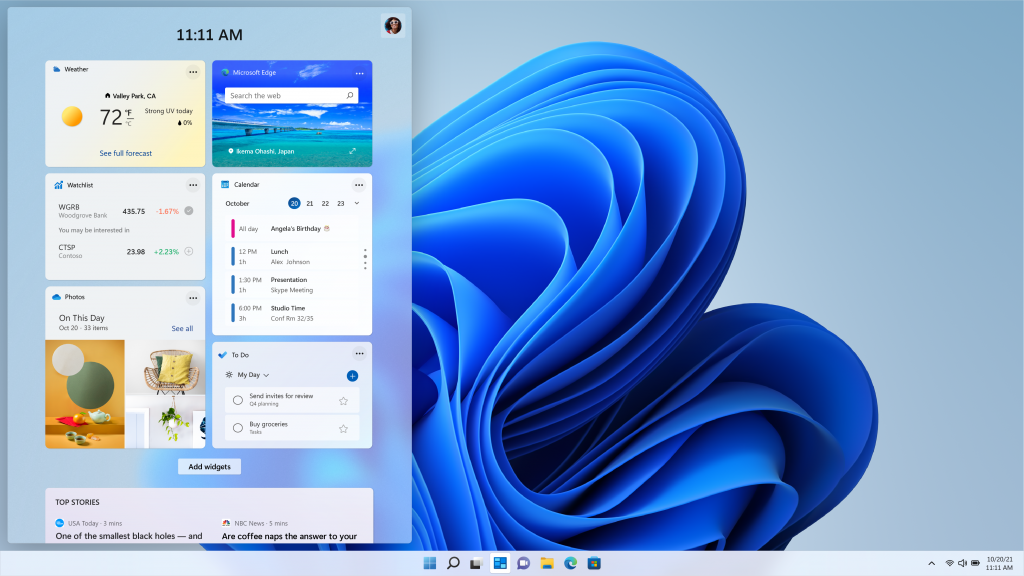
Windows 11 features a refreshed visual design with rounded corners, soft shadows, and a centered Start Menu. The interface feels cleaner and less cluttered, making everyday tasks more pleasant and intuitive.
2. Centered Start Menu and Taskbar
The Start Menu is now centered on the taskbar, showing pinned apps and recent files without live tiles. This design improves focus and makes navigation faster, especially on larger screens.
3. Snap Layouts and Snap Groups
Multitasking is easier than ever with Snap Layouts. You can quickly arrange multiple apps on your screen in predefined layouts, while Snap Groups remember your app arrangements so you can return to them instantly.
4. Improved Performance
Windows 11 is optimized for speed and efficiency. Apps launch faster, system updates run in the background, and overall responsiveness is improved compared to previous versions.
5. Enhanced Gaming Experience
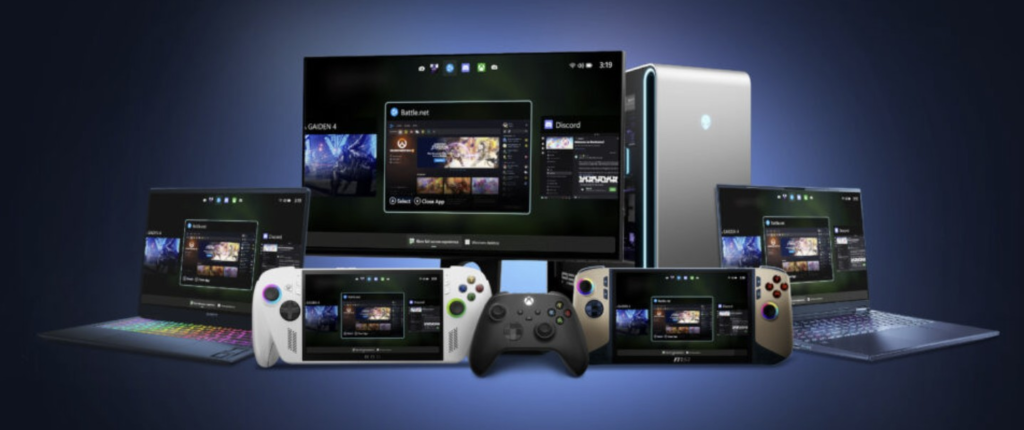
For gamers, Windows 11 introduces features like Auto HDR and DirectStorage, which improve graphics quality and reduce game loading times when supported hardware is used.
6. Better Virtual Desktop Support
You can now create multiple desktops for different purposes, such as work, personal use, or gaming, and customize each one with its own wallpaper.
7. Microsoft Teams Integration
Windows 11 comes with built-in Microsoft Teams integration, allowing users to chat and make video calls directly from the taskbar.
Windows 11 System Requirements Explained
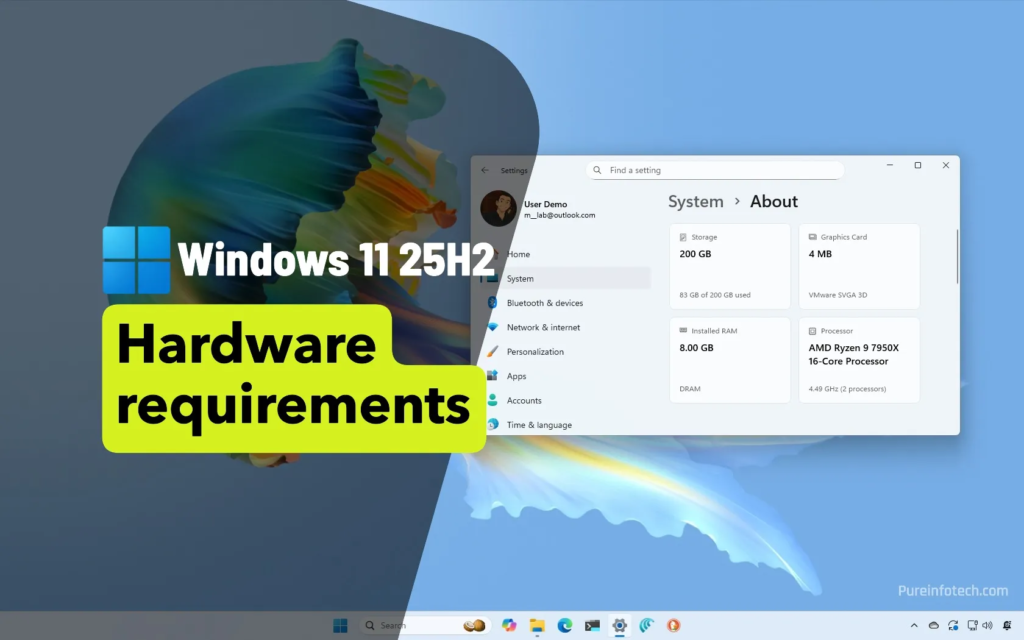
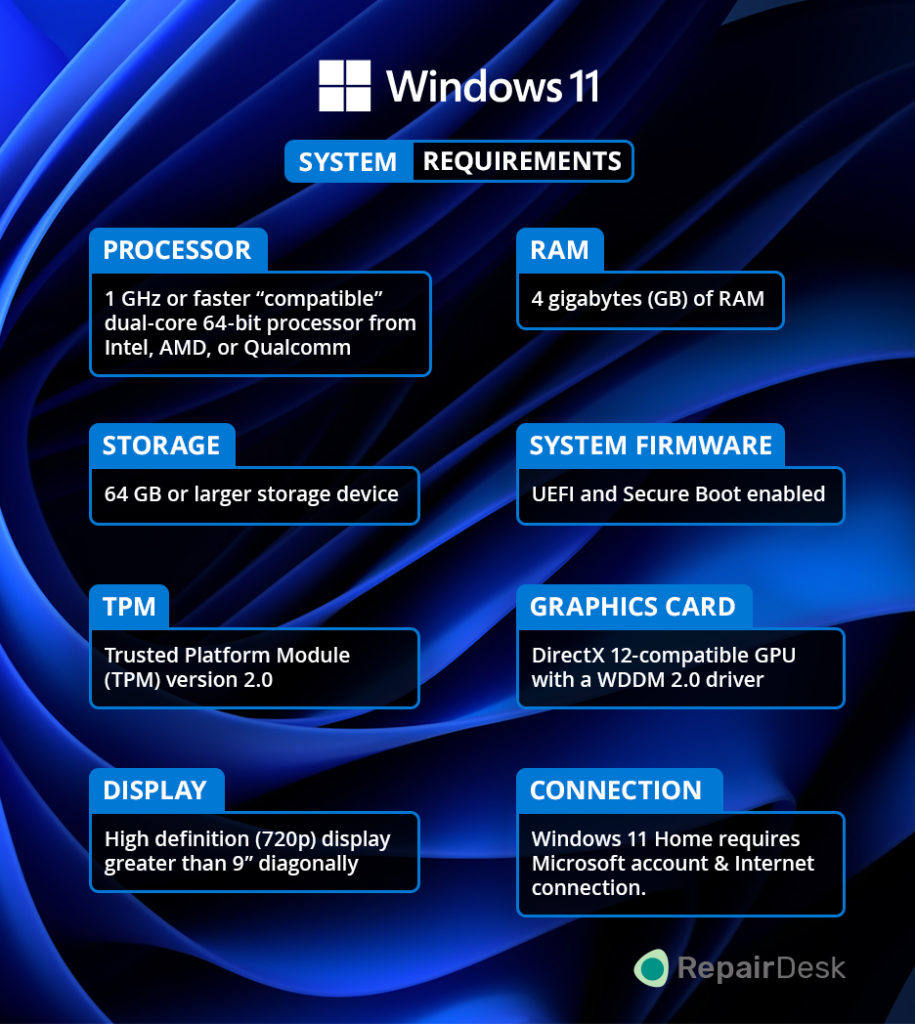
Before upgrading, it’s important to ensure your device meets the minimum requirements.
Minimum System Requirements:
- Processor: 1 GHz or faster, 64-bit compatible processor with at least 2 cores
- RAM: 4 GB
- Storage: 64 GB or larger
- Firmware: UEFI with Secure Boot capability
- TPM: Trusted Platform Module (TPM) version 2.0
- Graphics: DirectX 12 compatible graphics with WDDM 2.0 driver
- Display: 9-inch or larger with HD resolution (720p)
The TPM 2.0 requirement has been one of the most discussed changes, as it limits Windows 11 compatibility on older PCs.
Is Windows 11 Free?
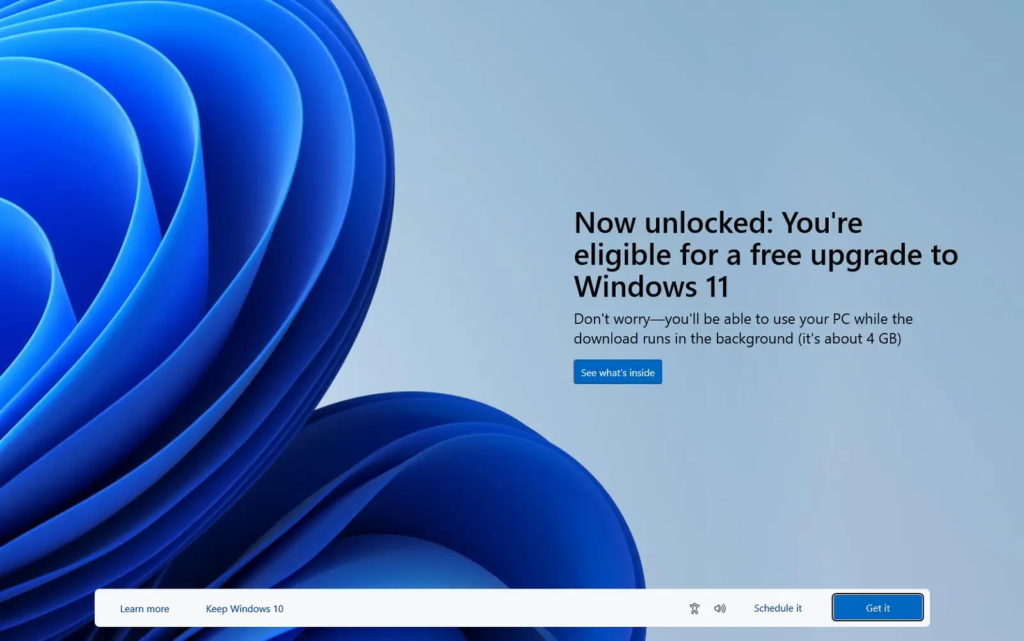
Yes, Windows 11 is available as a free upgrade for eligible Windows 10 users. If your PC meets the system requirements, you can upgrade through Windows Update without additional cost.
Windows 11 vs Windows 10: What’s the Difference?
While Windows 10 remains reliable, Windows 11 offers:
- A more modern and polished interface
- Better multitasking tools
- Stronger security features
- Improved performance on newer hardware
Windows 10 will continue receiving support for some time, but Windows 11 is clearly Microsoft’s future-focused platform.
Who Should Upgrade to Windows 11?
Windows 11 is ideal for:
- Users with modern PCs
- Professionals who multitask heavily
- Gamers with compatible hardware
- Anyone who prefers a clean and updated interface
If you’re using older hardware or rely on legacy software, staying on Windows 10 for now may be a safer option.
Final Thoughts
Microsoft Windows 11 is more than just a visual upgrade. It represents a shift toward a faster, safer, and more productivity-focused operating system. With its modern design, smart multitasking tools, and enhanced performance, Windows 11 is well-suited for today’s digital lifestyle. If your system supports it, upgrading to Windows 11 can be a worthwhile move for the long term.
Universal Studios Orlando vs Disney World: Which Park Is Better for You?
Planning a theme park vacation in Orlando often comes down to one big question: Universal…

This article is for informational purposes only. Features, system requirements, and availability may change with future updates released by Microsoft. Always check official Microsoft sources before upgrading your operating system.
#Windows11 #MicrosoftWindows #WindowsUpdate #PCUpgrade #TechGuide #OperatingSystem #WindowsTips #Carrerbook #Anslation