
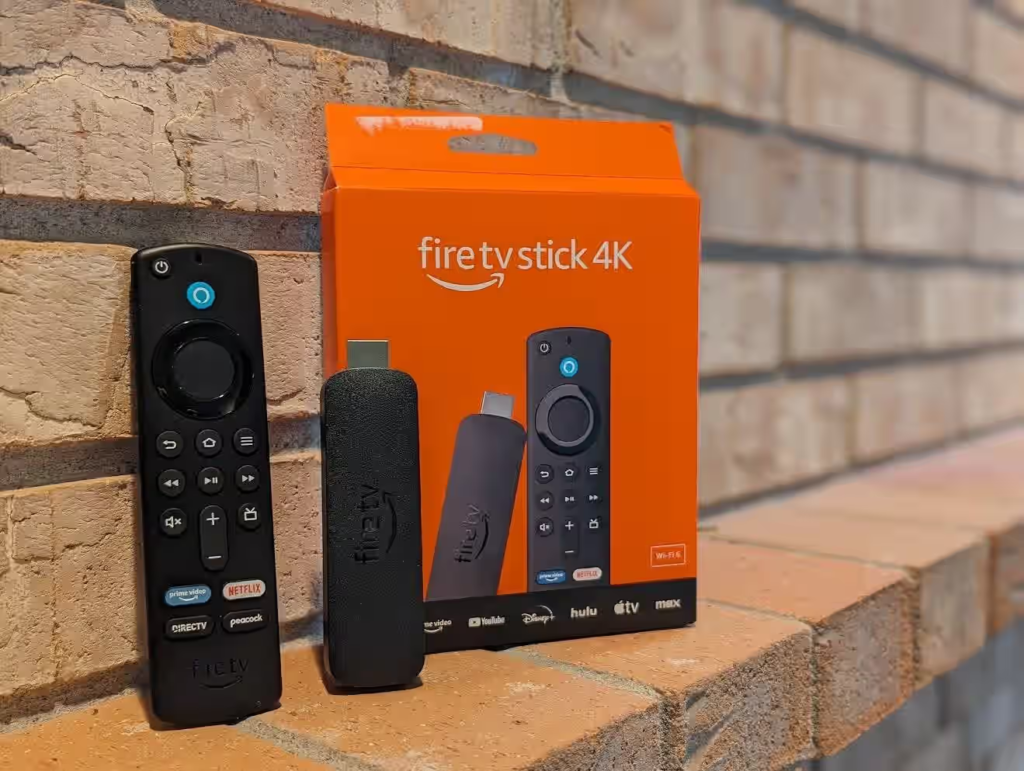
What Is Amazon Fire TV Stick?
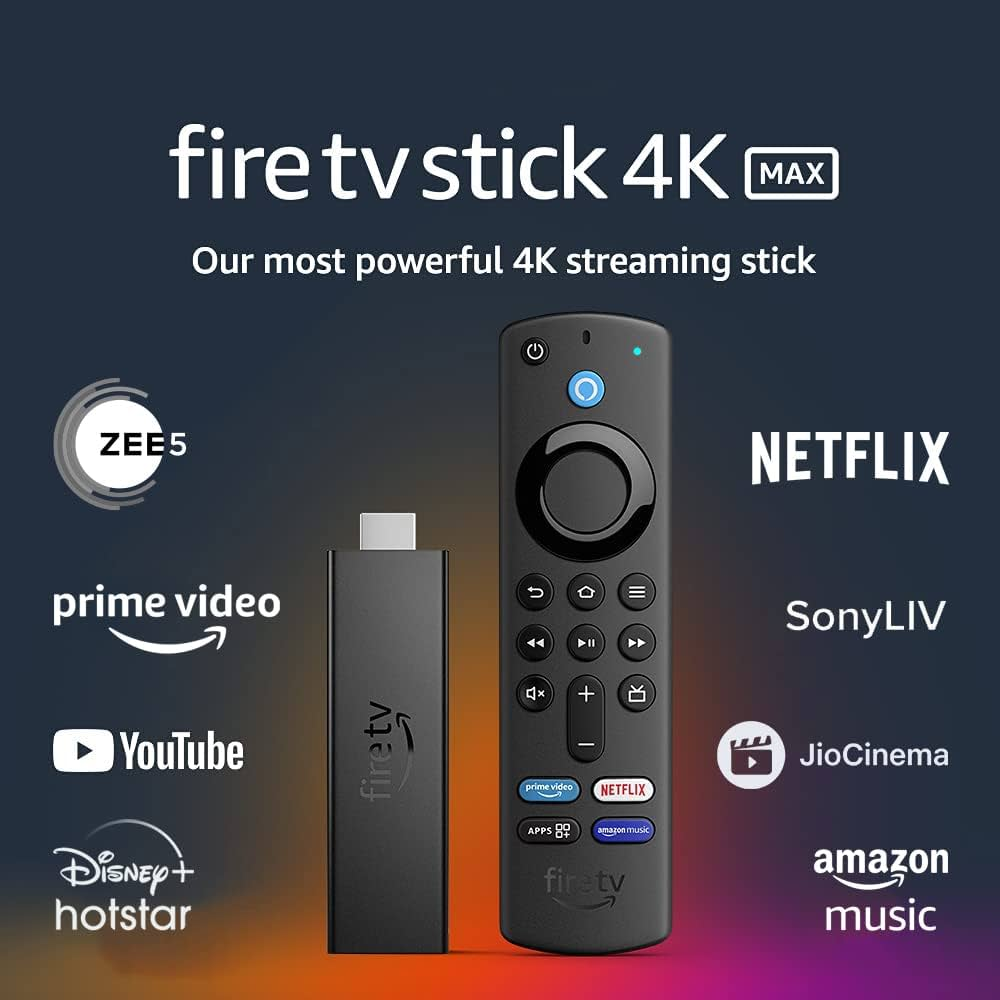
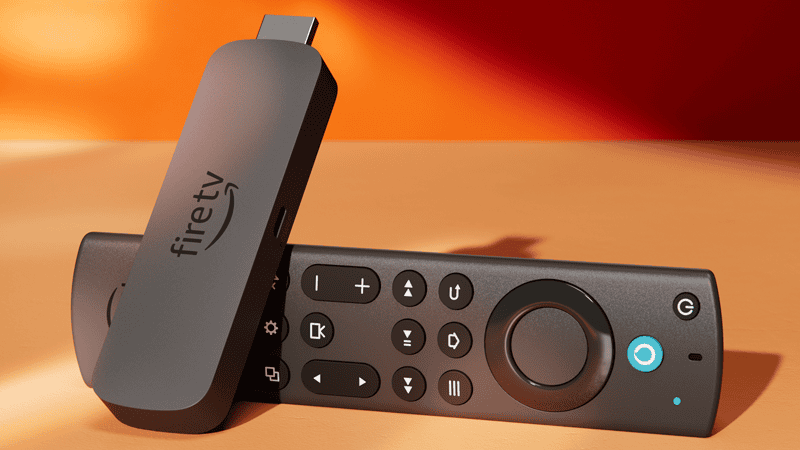
The Amazon Fire TV Stick is a compact streaming device that connects to your TV’s HDMI port. Once connected to the internet, it allows you to stream movies, web series, live TV channels, music, and apps directly on your television.
You don’t need a smart TV for this. Even an older LED or LCD TV with an HDMI port works perfectly.
How Amazon Fire TV Stick Works
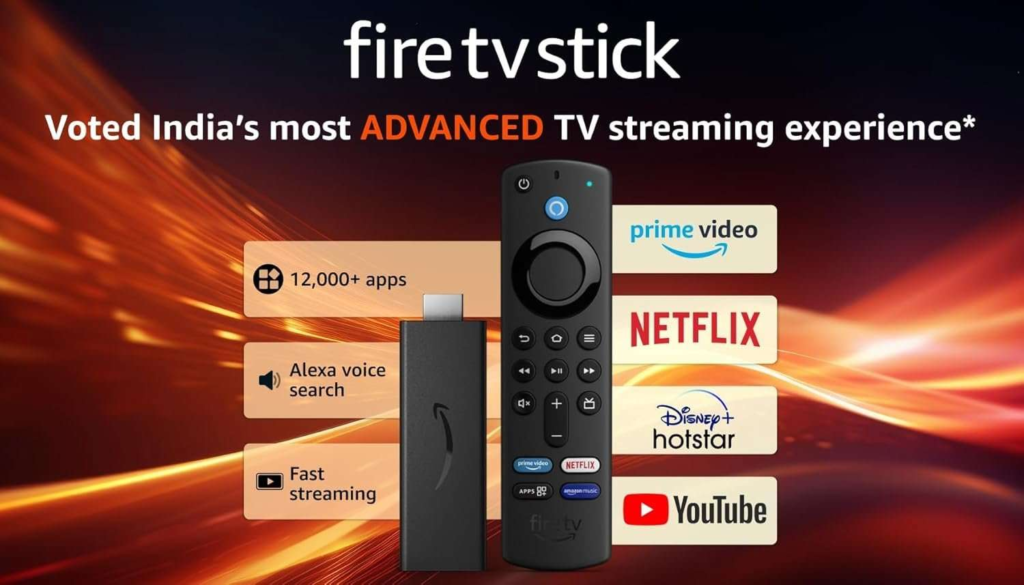
The Fire TV Stick works using your Wi-Fi connection. After plugging it into your TV and signing in with an Amazon account, you can download apps like Prime Video, Netflix, Disney+ Hotstar, YouTube, Sony LIV, Zee5, and many more.
It comes with a remote that lets you navigate easily, search content using voice commands, and control basic TV functions like volume and power.
Key Features of Amazon Fire TV Stick
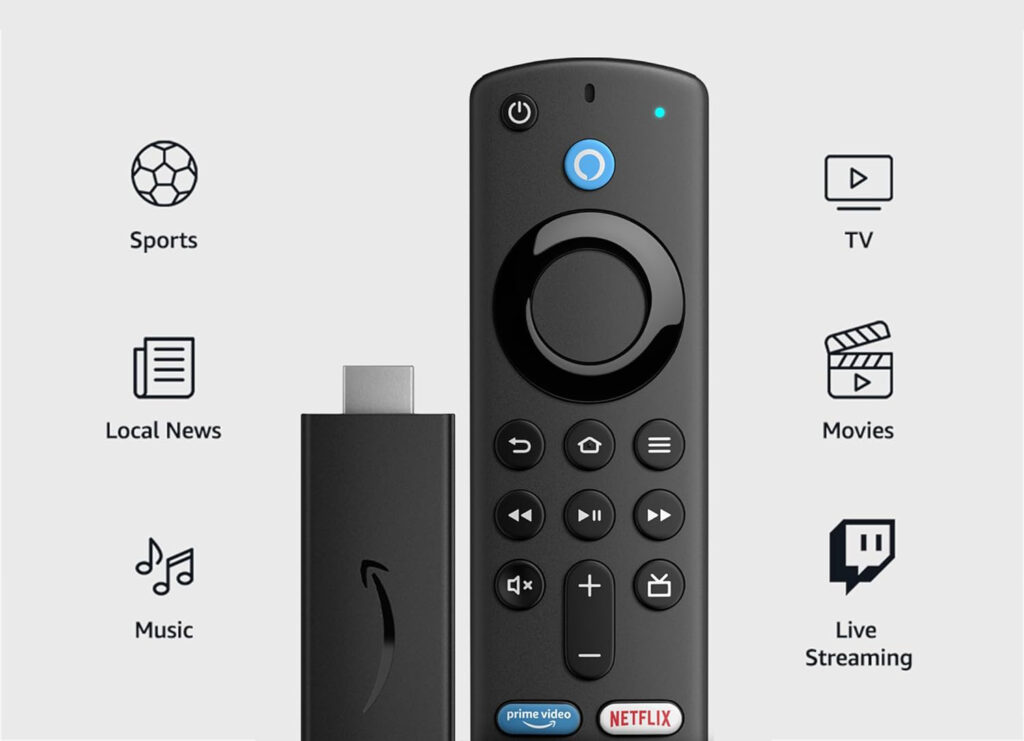
Easy-to-Use Interface
The home screen is clean and simple, making it easy for beginners and even elderly users to navigate without confusion.
Voice Control with Alexa
You can search movies, open apps, check the weather, or control playback just by speaking into the remote.
Access to Popular Streaming Apps
Supports almost all major streaming platforms available in India and globally.
Full HD and 4K Streaming
Depending on the model, you can stream content in Full HD or 4K Ultra HD with excellent picture quality.
Portable Device
You can carry the Fire TV Stick while traveling and use it on any compatible TV.
Amazon Fire TV Stick Models Available in India
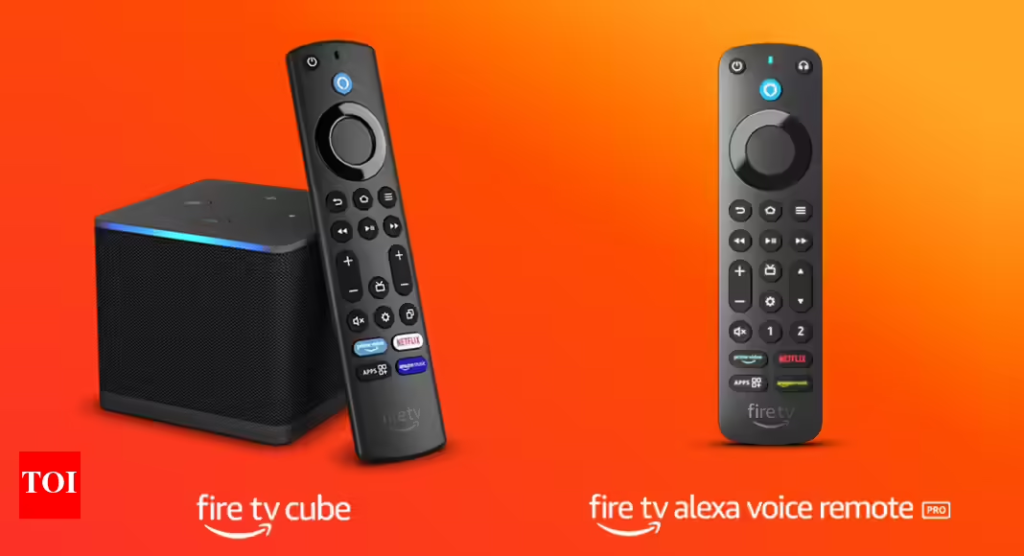
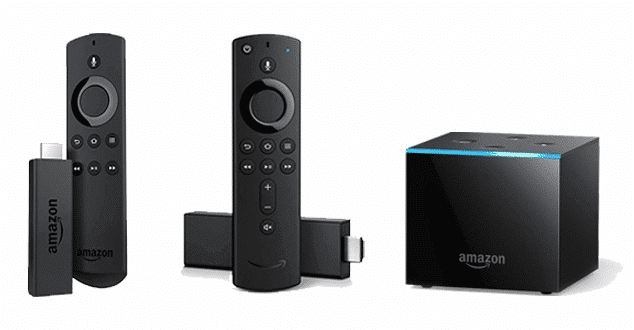
Amazon offers multiple Fire TV Stick versions to suit different needs:
- Fire TV Stick Lite – Basic model with Full HD streaming
- Fire TV Stick (3rd Gen) – Full HD with TV controls and Alexa
- Fire TV Stick 4K – Supports 4K Ultra HD and Dolby Vision
- Fire TV Stick 4K Max – Faster performance and advanced features
Amazon Fire TV Stick Price in India
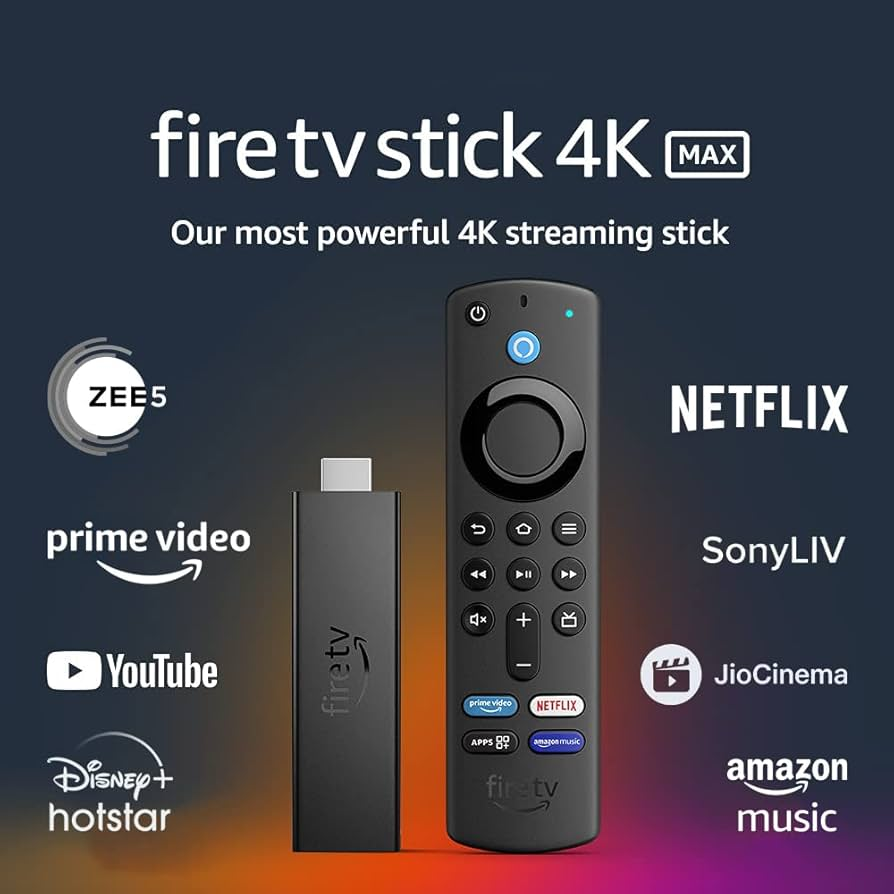
Prices may change during sales, but the general price range is:
- Fire TV Stick Lite: ₹3,000 – ₹3,500
- Fire TV Stick (3rd Gen): ₹4,000 – ₹4,500
- Fire TV Stick 4K: ₹5,500 – ₹6,000
- Fire TV Stick 4K Max: ₹6,500 – ₹7,000
Festive sales and Amazon deals often offer heavy discounts.How to Set Up Amazon Fire TV Stick (Step-by-Step)
Setting up the Fire TV Stick is simple and takes only a few minutes.
Step 1: Plug into HDMI Port
Insert the Fire TV Stick into your TV’s HDMI port.
Step 2: Connect Power
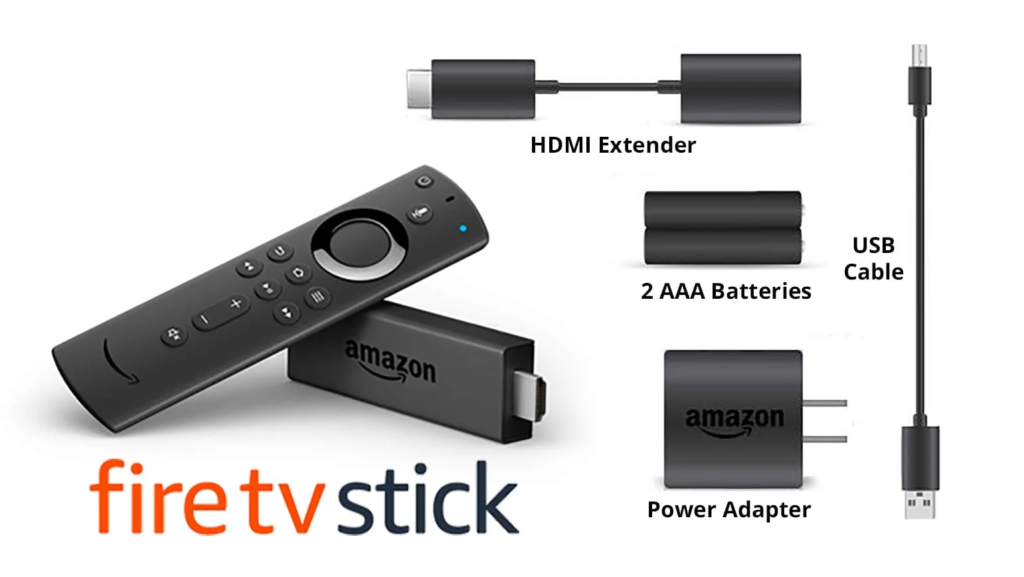
Use the provided USB cable and power adapter to connect the device to a power source.
Step 3: Select HDMI Input
Turn on your TV and select the correct HDMI input where the Fire TV Stick is connected.
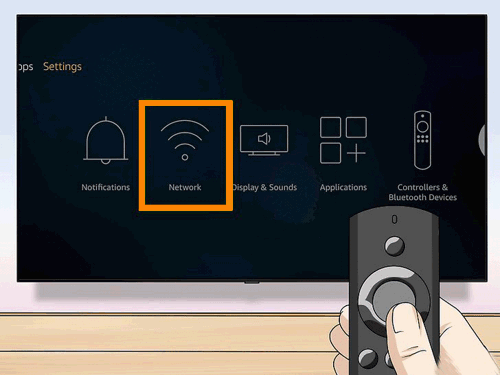
Step 4: Connect to Wi-Fi
Choose your Wi-Fi network and enter the password.
Step 5: Sign in to Amazon Account
Log in using your Amazon account. If you don’t have one, you can create it easily.
Step 6: Download Apps
Install your favorite streaming apps and start watching.
Internet Requirements for Fire TV Stick
A stable internet connection is important for smooth streaming:
- SD quality: Minimum 3 Mbps
- HD quality: 5–10 Mbps
- 4K streaming: 20 Mbps or higher
Unlimited or high-data plans are recommended for frequent users.
Pros and Cons of Amazon Fire TV Stick
Pros
- Affordable alternative to smart TVs
- Easy for beginners
- Voice search with Alexa
- Wide app support
- Regular software updates
Cons
- Requires constant internet connection
- Some apps need paid subscriptions
- Performance depends on Wi-Fi speed
Who Should Buy Amazon Fire TV Stick?
The Fire TV Stick is ideal for:
- People with non-smart TVs
- Beginners who want easy streaming
- Budget-conscious users
- Families looking for all-in-one entertainment
Final Thought
The Amazon Fire TV Stick is one of the easiest and most cost-effective ways to upgrade your TV experience. For beginners, it offers simplicity, smooth performance, and access to endless entertainment without technical complications. If you want smart features without replacing your TV, this device is definitely worth considering
This article is for informational purposes only. Prices, features, and availability may change over time. Always check the official Amazon website or authorized sellers before making a purchase. This content does not promote or guarantee any specific product performance.
#AmazonFireTVStick #FireTVStickGuide #StreamingDevice #SmartTVUpgrade #FireTVSetup #AmazonGadgets #HomeEntertainment#Carrerbook #Anslation